Wordmark - black
Use on light backgrounds when the available width can support the full FashionUnited name.
Download FashionUnited wordmarks, favicon files, vector logo packages, and usage guidance for press, partners, and implementation teams.
Use these assets when you need to represent FashionUnited in press material, partner integrations, marketplace placements, presentations, or developer implementations. Prefer SVG for production use so the logo stays sharp at every size.
PNG downloads have a transparent background. SVG downloads are vector files and should be used when the logo needs to scale cleanly.
Use on light backgrounds when the available width can support the full FashionUnited name.

Use on dark, image, or color backgrounds where the black wordmark does not have enough contrast.

1024 × 1024 PNG with a transparent background and approximately 9% padding around the circular mark.
Use the individual files above for common web needs. Use the complete packages when you need print, archive, or design-tool formats.
The logo makes the link between fashion and uniting everyone working within the industry, which the name FashionUnited embodies. The wordmark uses a stylish and modern font, with an emphasis on “United” by making that part bold.
The normal wordmark with “FashionUnited” spelled together is preferred. When the available space is too small for the full wordmark, use the square or circular favicon version.
In principle, the logo should only be used in black or white. Choose the version that has the strongest contrast against the background color or image.
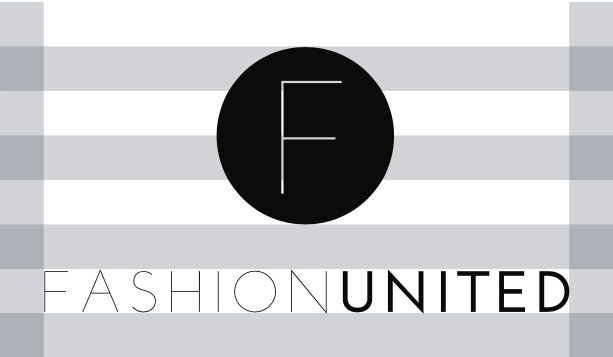
The FashionUnited circle, when used with the wordmark, should have a height of 400% of the FashionUnited letters. The full logo should always have whitespace around it equal to the height of the FashionUnited letters.
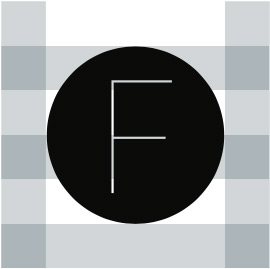
The whitespace around the circular logo should be 25% of the size of the logo.

If the text-only logo is used, keep minimum whitespace around the logo equal to 50% of the logo height.
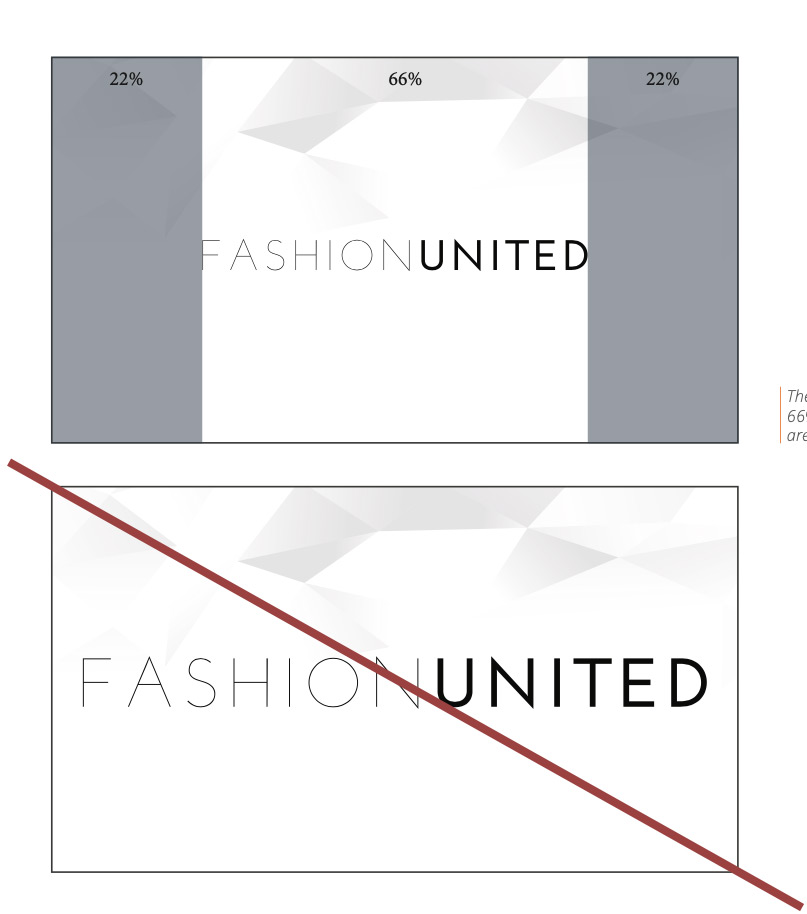
The logo should never be wider than 66% of the maximum width of the area it is placed in.
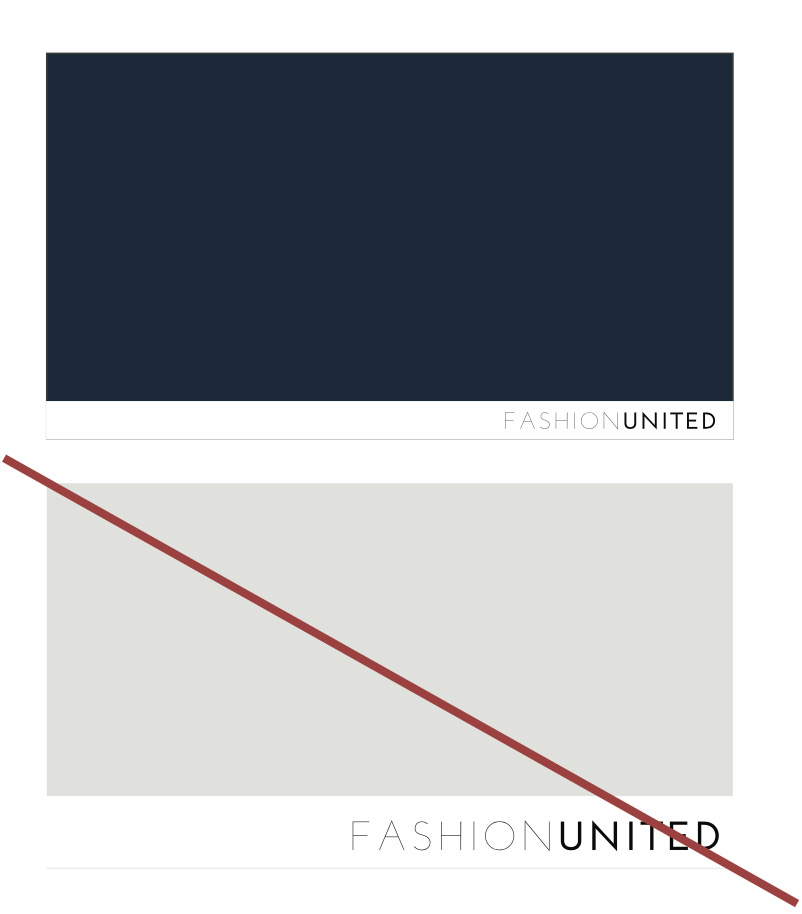
If a screen or ad uses a background image or background color, show the logo in a white border on the bottom. The border should be 10% of the image height.
For all job feed integrations and job postings, SVG is the preferred logo format. SVG files are small, scale cleanly, look sharp on retina displays, and allow more design control than raster formats.
To make SVG images responsive across browsers:
height and width attributes from the svg element.preserveAspectRatio="xMinYMin meet".path data instead of embedding raster images inside the SVG.Example before:
Example after:
See the W3C preserveAspectRatio documentation for the underlying SVG behavior.
See also Job Layout for logo requirements when posting jobs, and Employer Page for how a logo appears on a company page.